This is a p5.strands version of the Filter Shader example. Filter shaders apply an effect to anything that is on the canvas. In this example, the effect is applied to a video.

Filter Shader (p5.strands): Created by Dave Pagurek. Remixed by Dorine Tipo. From 2026 onwards, edited and maintained by p5.js Contributors and Processing Foundation. Licensed under CC BY-NC-SA 4.0.
You can find the code history of these examples here: 2023 code, 2026 p5.strands translation. You can suggest improvements by contributing to the current website!
Related Examples
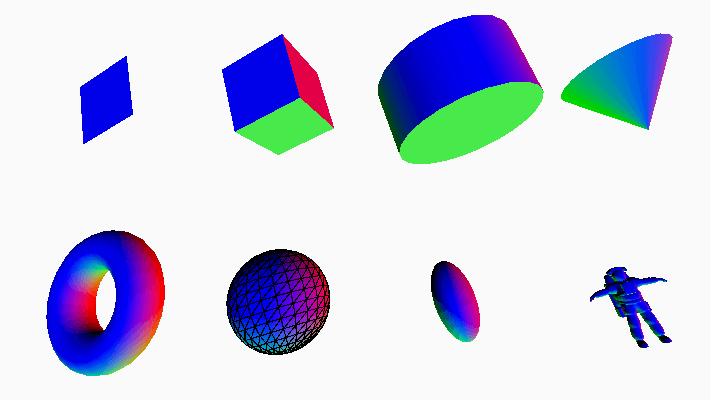
Eight 3D shapes; a plane, box, cylinder, cone, torus, sphere, ellipsoid, and a model of an astronaut. The surface of the shapes are multicolored.
Geometries
Draw 3D shapes, including a custom model.
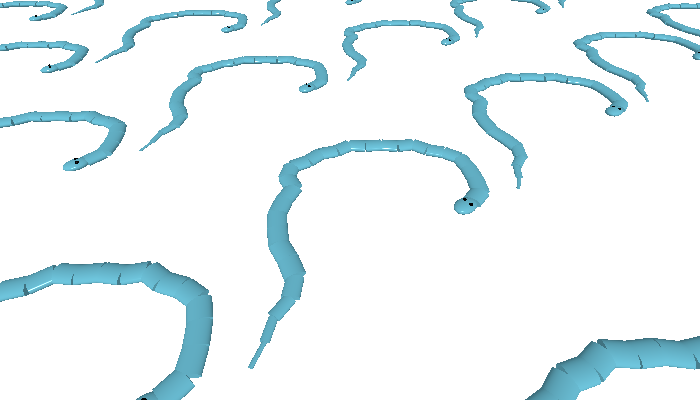
A tiled plane of snake models.
Custom Geometry
Generate a 3D shape programmatically.
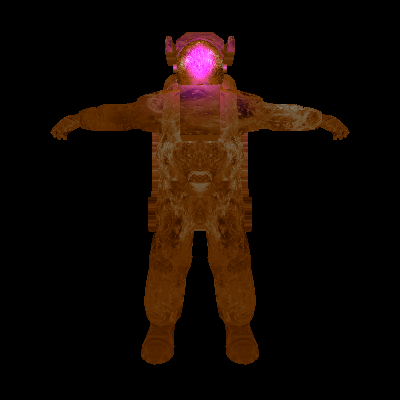
Astronaut 3D model on a black background.
Materials
Change 3D objects' color, texture, and how they respond to light.
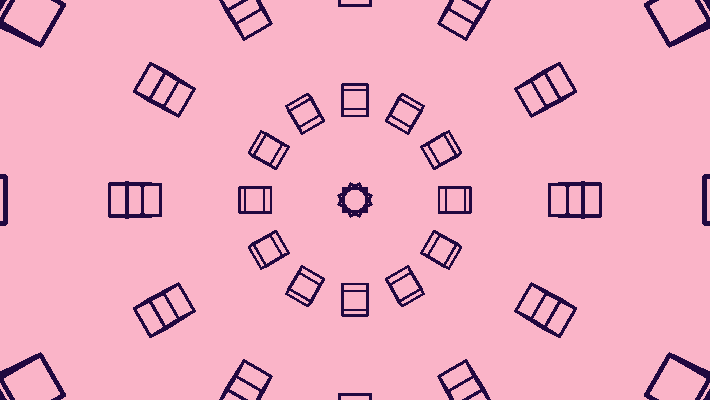
A sphere of dark purple cubes on a light pink background.
Orbit Control
Control the camera with the mouse.
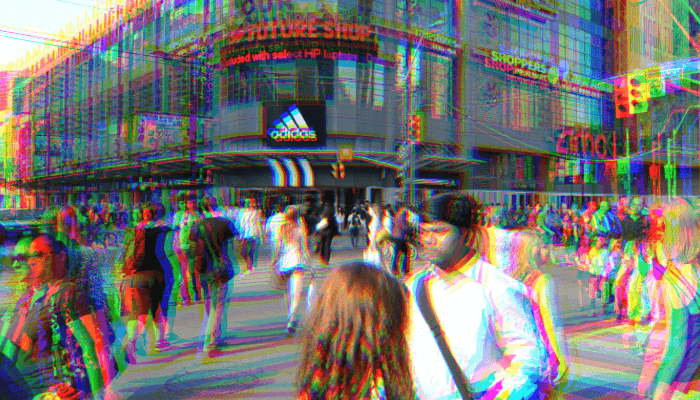
A screenshot of a video of a city crosswalk, with offset colors.
Filter Shader (GLSL)
Manipulate imagery with a shader.
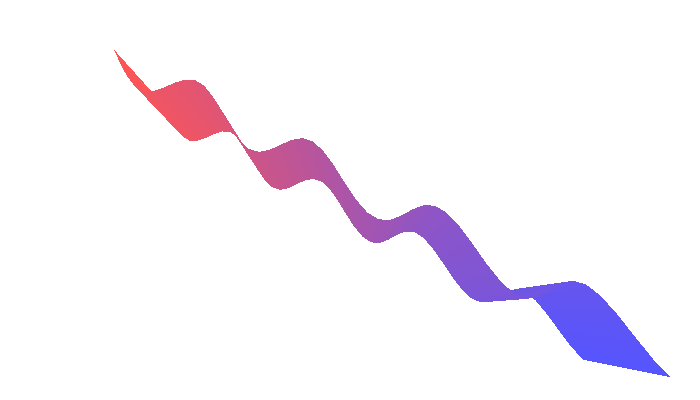
A red-to-blue waving ribbon on a white background.
Adjusting Positions with a Shader (GLSL)
Use a shader to adjust shape vertices.
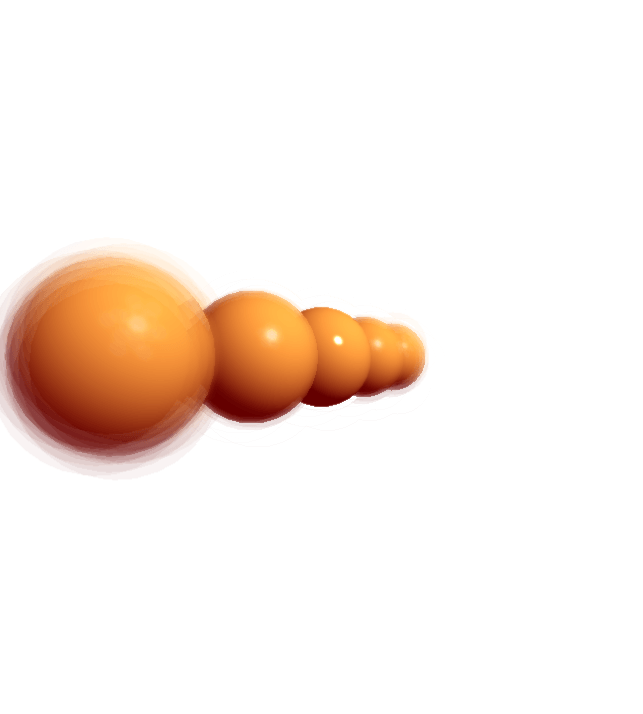
A row of five orange spheres. The closest and farthest spheres from the camera appear blurred.
Framebuffer Blur
Simulate a camera's depth of field.
A screenshot of a video of a city crosswalk, with offset colors.
Filter Shader (p5.strands)
Manipulate imagery with a shader, written in p5.strands.
A red-to-blue waving ribbon on a white background.
Adjusting Positions with a Shader (p5.strands)
Use a shader to adjust shape vertices, written in p5.strands.